
To delete a chat, visit the Chats menu and select the chat you want to remove. Then, scroll to the bottom of the chat and click the red trash can button below the conversation.
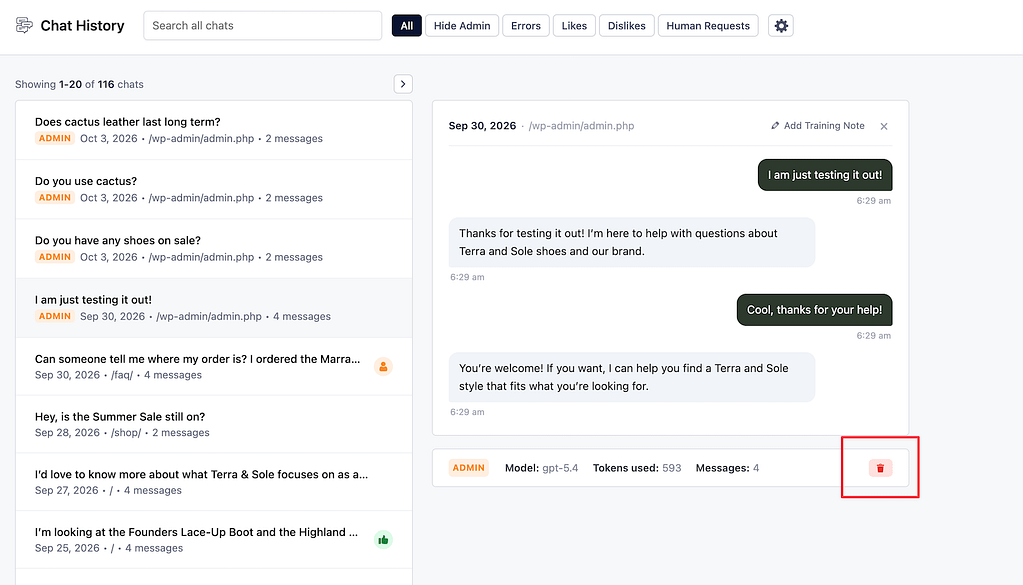
You’ll see a prompt asking if you’re sure. Once you confirm, the chat will be permanently deleted from your site.