
You’ll want to test your chatbot privately before making it live for all visitors.
You can test your chatbot from any page inside the Resolver menu by clicking on the chat widget at the bottom.
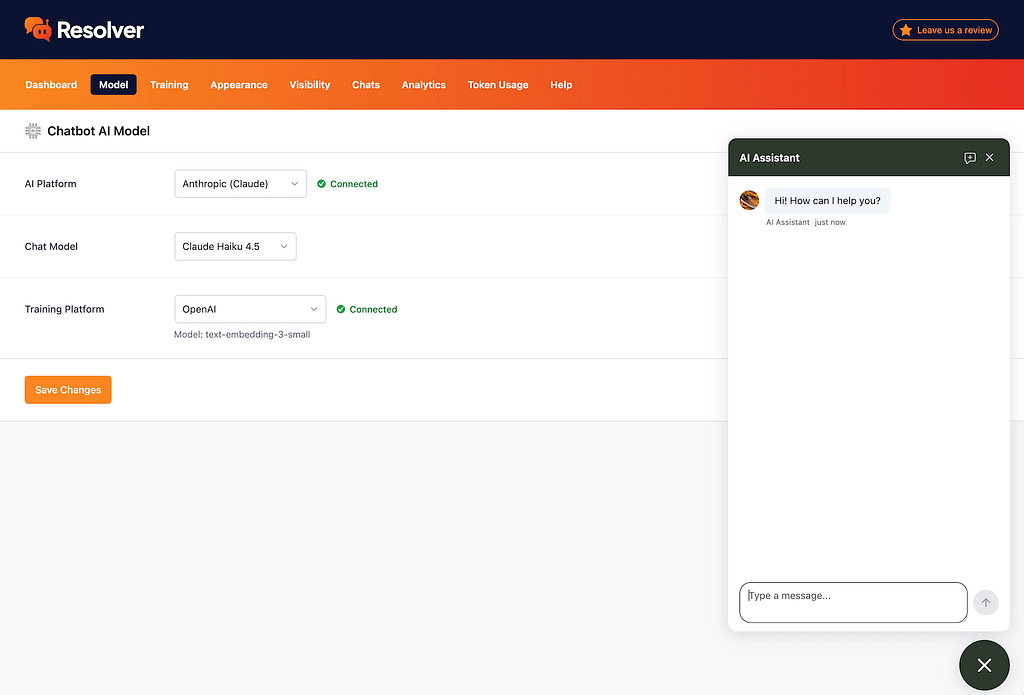
This makes it extremely easy to send the chatbot messages and evaluate its responses.
Testing & tweaking your chatbot
The best way to test the chatbot is to feed it real questions. Take a look through your inbox for some questions recently asked by leads and customers, and paste those into the chat. Keep any misspellings and other grammatical errors in place.
The first thing you want to play around with is the AI model. You’ll see a big difference in the quality of the replies based on the model you choose, so try repeating the same question with different models to compare. We have a guide on choosing an AI model that includes some additional tips.
Once you’ve nailed down the model, you’ll want to test the instructions you provided. Make sure it’s following any rules you set and that its tone matches your directions.
Lastly, ask it questions based on specific pages that it should be trained on. This will ensure that it is finding the right data from your pages.
Through this process, you can tweak your content and instructions when needed, and uncover the best AI model for your chatbot.