
When you train your chatbot on a page, you’ll see it show up in the table in the Training > Pages menu.
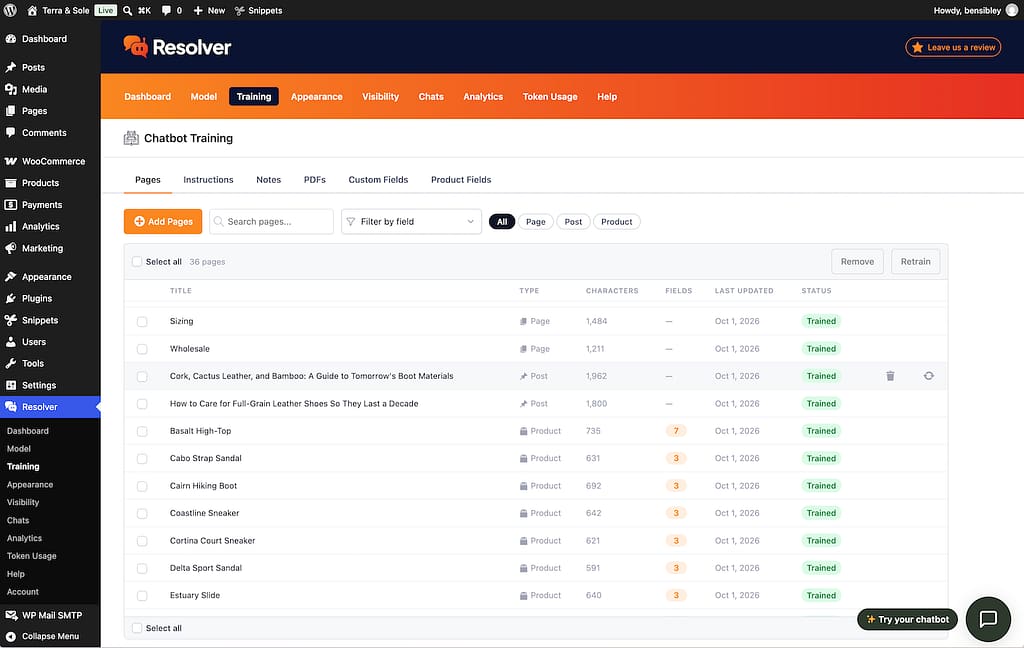
All of the pages shown here are being tracked for changes. If a page here gets updated, Resolver will automatically retrain on it, getting the latest content.
This means you can run your site normally and you don’t have to remember to retrain your chatbot when you edit a page; it happens automatically for you.
For example, if you add a new paragraph to a page or fix a typo, when you click the Update button in the editor, Resolver will then retrain on that page and grab the new content.
How to disable auto-retraining
If you’d like to disable auto-retraining, you can use the Disable auto-retraining setting at the bottom of the Training > Pages menu.
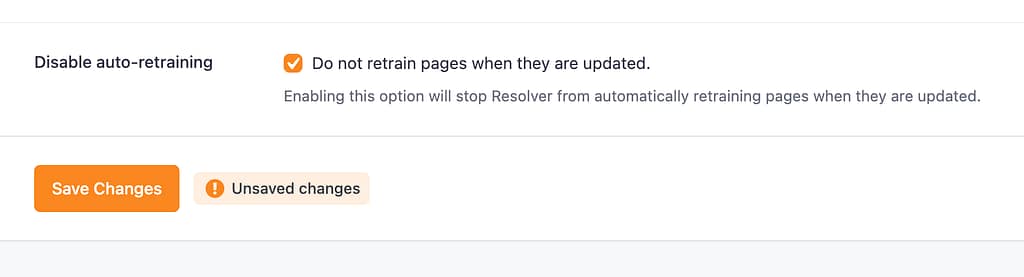
Check the box and save your changes, and Resolver will no longer retrain pages when they are updated.