
Sometimes a user may request to speak with a real person instead of the chatbot.
The chatbot is smart enough to understand these requests and will refer them to another support channel, whether that’s a contact form or an email address.
In the Training > Instructions menu, you can tell your chatbot exactly how to handle these requests. Click on the Human Request section, and enter your instructions there.
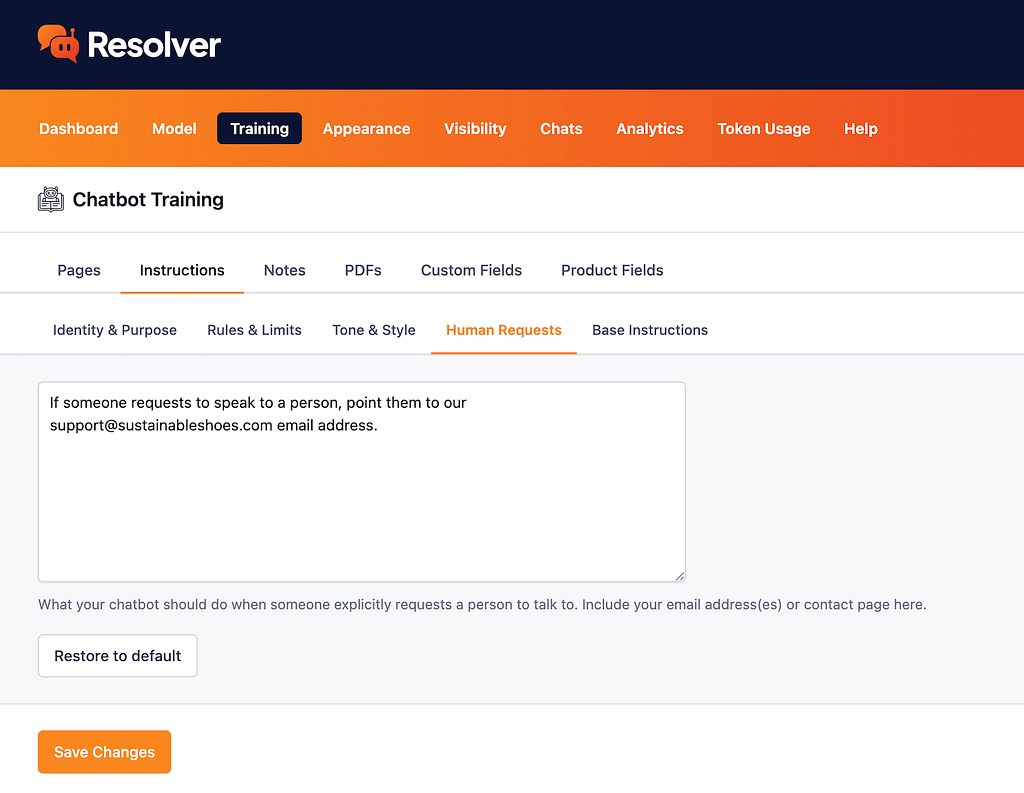
This is a good place to include your email address or the URL of your contact page. If you have different email addresses for different departments, include all of them and explain when each one should be used.
After you save your changes, ask your chatbot if you can speak with a real person to see how it replies.