
To provide full transparency, Resolver includes detailed analytics on your chatbot’s token usage.
To review your token usage, you can open the Resolver > Token Usage menu.
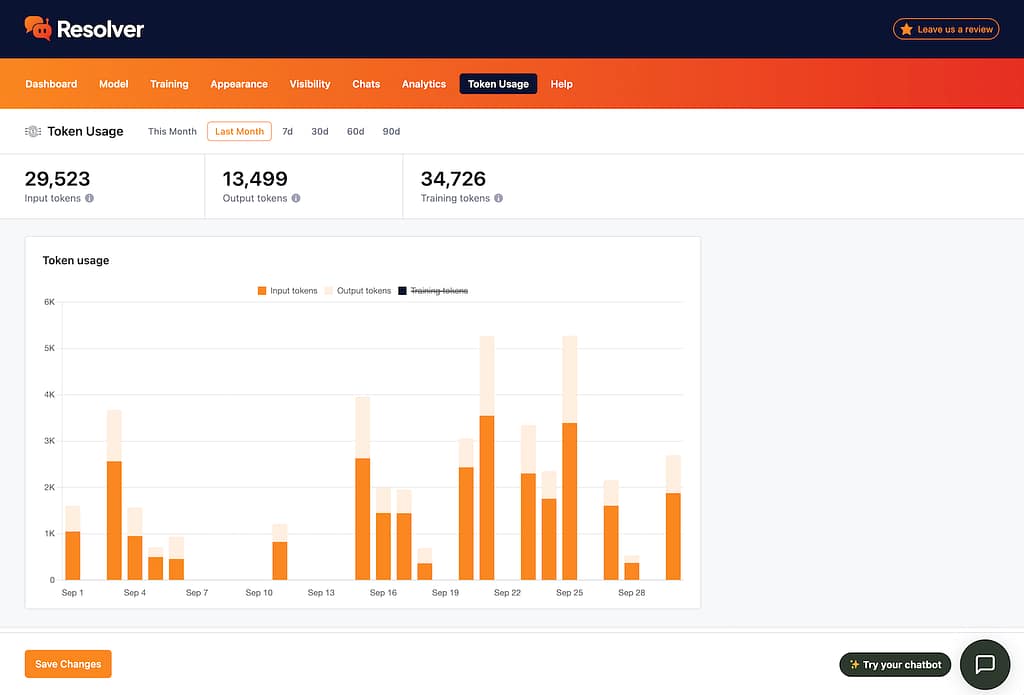
Here, you’ll see how many input, output, and training (embedding) tokens have been used. This will help you monitor your usage over time.
In case you are wondering about the nature of each token:
- Input tokens are spent on the content sent to the chat model.
- Output tokens are spent generating a reply with the chat model.
- Embedding tokens are spent during training.
To find the dollar cost of your tokens, it’s best to log in to your AI platform of choice and check your API usage there. Only they can provide the accurate cost of the tokens.
Setting limits
If you are worried about overuse, please follow our guide on setting monthly token limits: